Photocraft — ArtCraft's Open-Source Answer to Photoshop
By Open Suite Download Guide · Published Oct 11, 2026 · Last updated Oct 11, 2026
Download guide
Get it from the official site (external link). This independent guide does not host installers.
Affiliate disclosure
What Photocraft is
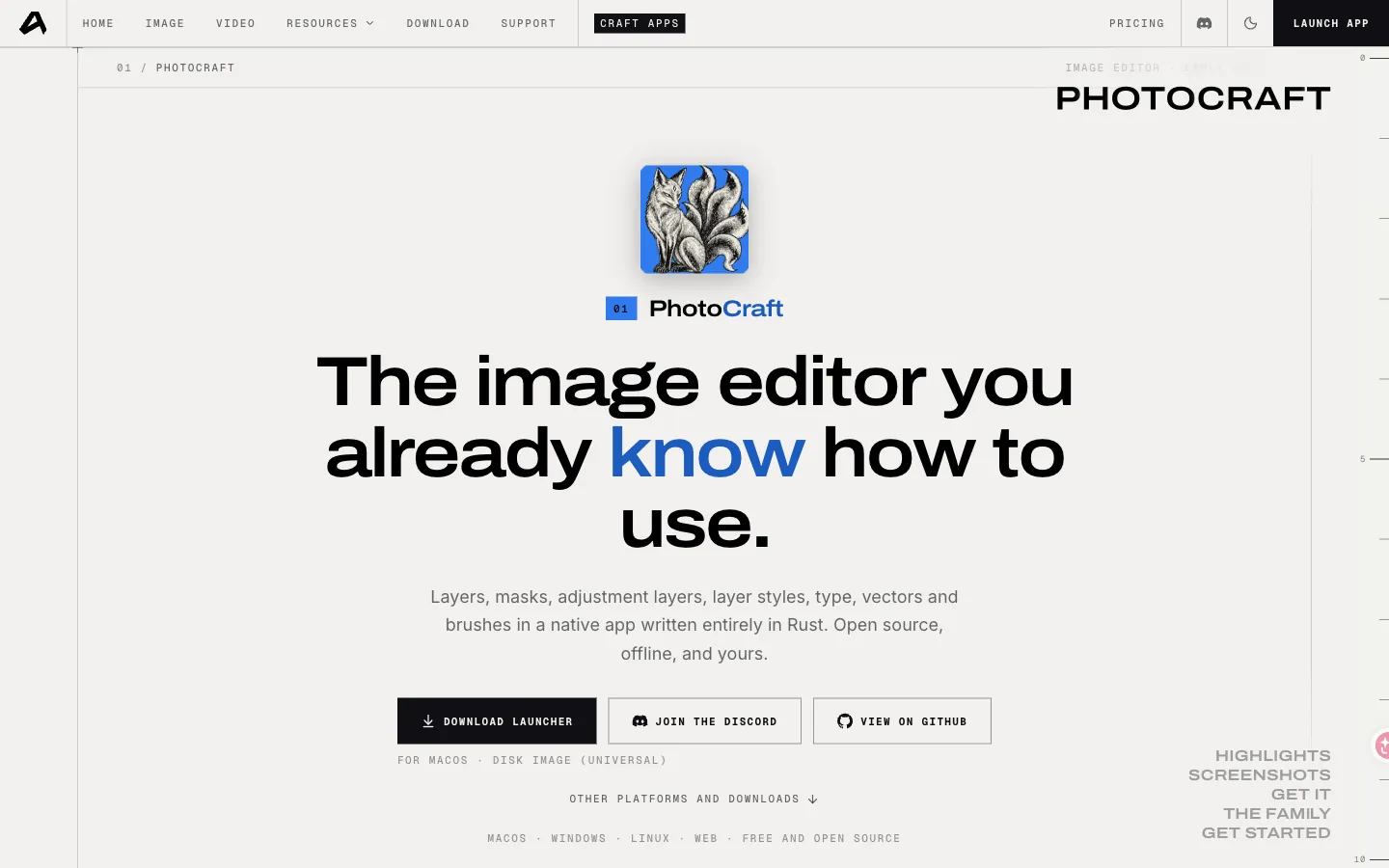
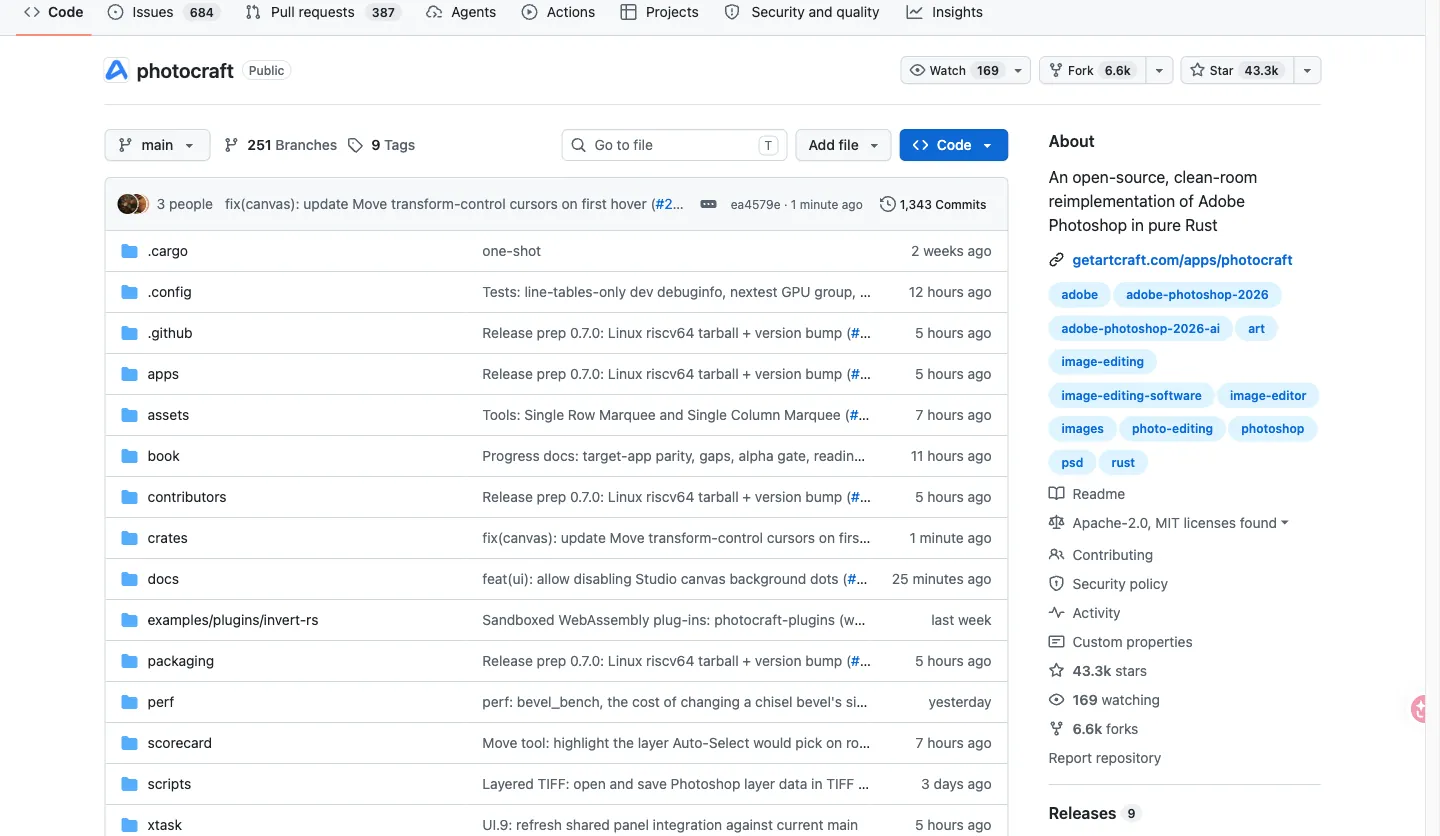
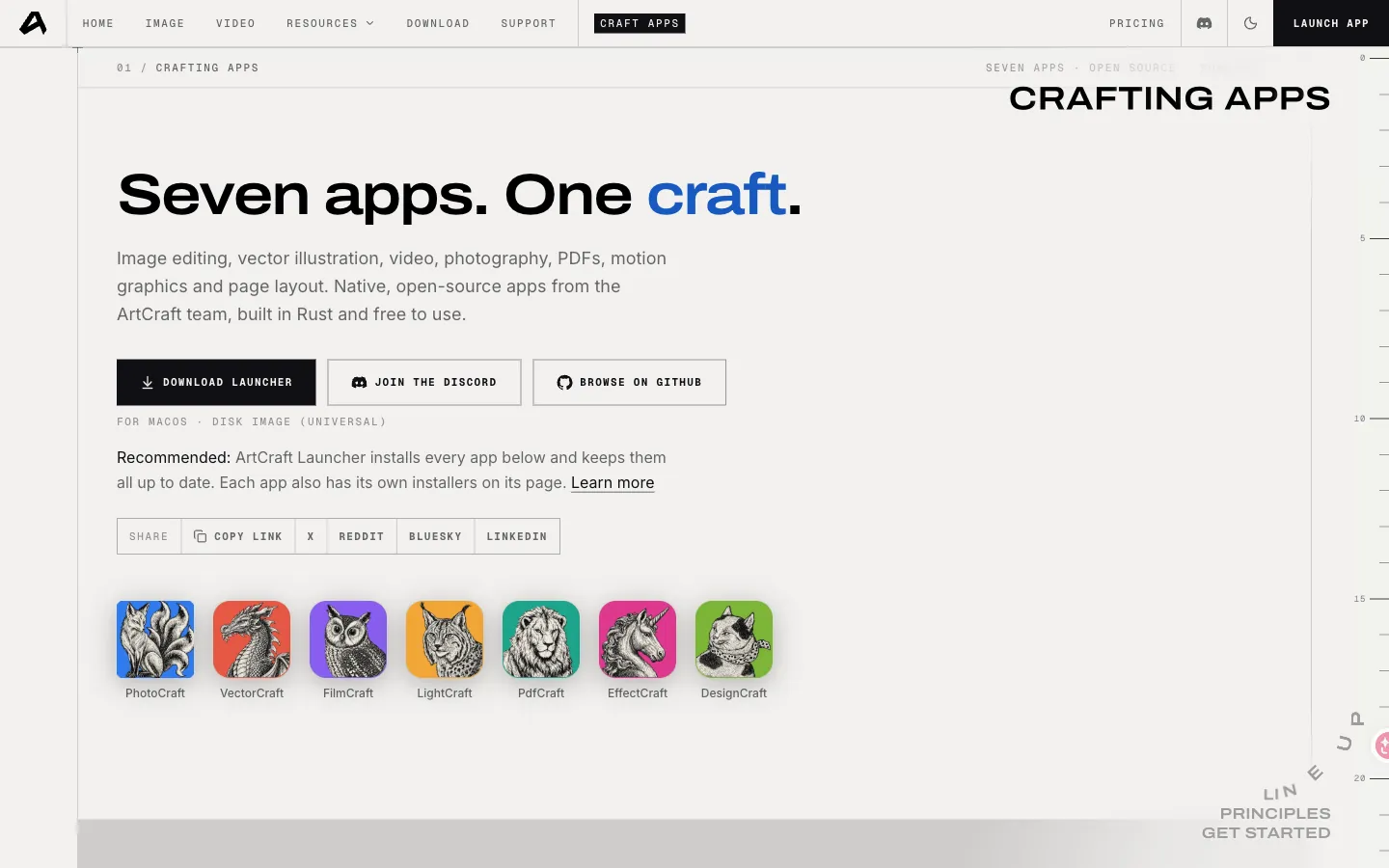
Photocraft is the open-source raster editor in the ArtCraft family. The public repository describes it as a clean-room reimplementation of Photoshop-class image editing, written in Rust. It is a separate app from the main ArtCraft studio: you can install Photocraft without living in the full suite.
Expect layers, masks, adjustment layers, type, brushes, and real PSD files. That is enough for a large share of web, social, and compositing jobs. It is not a drop-in of every Adobe plugin, every Camera RAW catalog workflow, or every print RIP.
This page is an independent guide. Photocraft is not published by this site.
How to get Photocraft
- Open getartcraft.com/apps and choose Photocraft for Windows, macOS, or Linux.
- Or open github.com/storytold/photocraft/releases and take the asset that matches your OS.
- Copy the SHA-256 from that Release, hash the file you saved, and only then run it.
- Confirm LICENSE in the repo (Apache-2.0 at the time we last checked) before commercial use.
This independent guide does not host the installer. Buttons on this page are outbound links.
If you still need the full suite walkthrough, use the install guide. For the other crafts, use the GitHub list.
What it can and cannot do
Photocraft is strongest on layered retouching, masks, and PSD interchange for files that do not depend on Adobe-only smart-object stacks. Photoshop still wins on print production, Camera RAW catalogs, and plugin-heavy studios.
Use Photocraft when the job is a web or social composite, a cutout, or a PSD you need to open without a Creative Cloud seat. Keep Photoshop when the file is a print RIP, a Camera RAW catalog, or a stack of third-party plugins that Photocraft does not load.
Read the license in the repository and keep a copy with the project archive. Brand names and logos in the docs are typically not covered by the same terms as the source.
Photocraft vs Photoshop
FAQ
Conclusion
Photocraft covers everyday retouching, layers, and masks without a Creative Cloud seat. Photoshop still leads on print production, Camera RAW catalogs, and plugin ecosystems. Download Photocraft from the official apps page or its GitHub Releases.
Affiliate disclosure
Download guide
Get it from the official site (external link). This independent guide does not host installers.